Dornheim SEGMENTER

From medical image to 3D model

The complete solution for segmentation, analysis, and 3D-print preparation.
Transform complex DICOM data into precise 3D models, generate training data for AI, or perform detailed volume measurements – whether DICOM, image stacks, raw data, or specialized formats.
Download the free version Explore features
Dornheim Segmenter – segmentation of DICOM data and 3D model generation

Research

Volumetry & analysis

3D printing

Print-ready models

AI training

Label training data

The professional software for medical image segmentation.
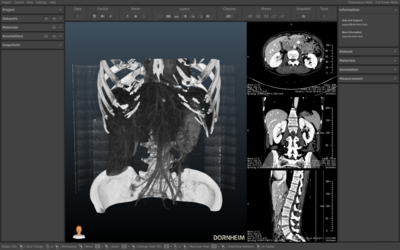
From medical image to precise 3D model. For research, manufacturing, and AI training.

Medical volume data contains far more information than a simple viewer can reveal. The Dornheim Segmenter gives you the tools to extract this information: delineate structures with precision, generate print-ready 3D models, analyze volumes and geometries, and label training data for AI algorithms – all in a single desktop application, locally and with no cloud lock-in.

Segment
Analyze
Export

Everything you need for segmentation

From the first mask to the print-ready model: a complete toolset for research, 3D printing, and AI development.

Intelligent segmentation

Binary masks and complex structures – created in no time thanks to semi-automatic tools.


  • Slice-by-slice segmentation with shape interpolation
  • Thresholding, region growing, ROI selection
  • Interactive 3D cutting and sculpting
  • Intelligent separation of connected structures
Print-ready 3D models

Watertight mesh models straight from your data – for 3D printing, VR, and simulation.


  • Sub-voxel-optimized model generation
  • Smoothing and repair of mesh defects
  • Export to STL, OBJ, VRML, STEP, IGES
  • Simplification and refinement of meshes
AI training & labeling

Annotate data sets efficiently and create ground-truth data for AI systems.


  • Efficient labeling of 3D data sets
  • Creation of ground-truth data
  • Validation of AI algorithms
  • Export of structured training data
Geometric analysis

Volumes, surfaces, distances, and angles – calculated automatically from your segmentations.


  • Automatic volume and surface calculation
  • Length, angle, and area measurements
  • Cross-section and distance analyses
  • Ideal for clinical studies and research
Flexible formats

Import and export in all relevant formats – from DICOM to CAD, from voxel to mesh.


  • Import: DICOM, RAW, VGI, image stacks, 3D models
  • Voxel ↔ mesh conversion in both directions
  • Export for CAD, simulation, and animation
  • Support for Dornheim Real Anatomy (.SEG)
DICOM Viewer included

The full feature set of the Dornheim DICOM Viewer is already included.


  • Volume rendering of segmented structures
  • DICOM conversion and anonymization
  • Import of DICOM, image stacks, and raw data
  • Local data storage – no forced upload

Impressions of the Dornheim Segmenter

The following screenshots show you the many capabilities of the Dornheim Segmenter.

Swipe sideways to see all screenshots

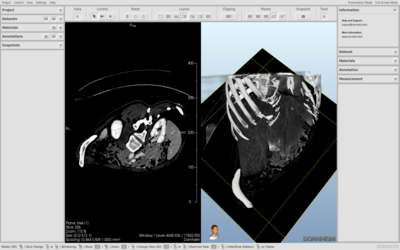
Split view
Split view
Split view with cutting plane
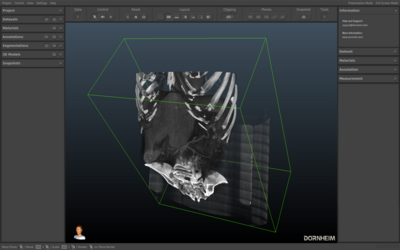
Clipping Box
Clipping Box
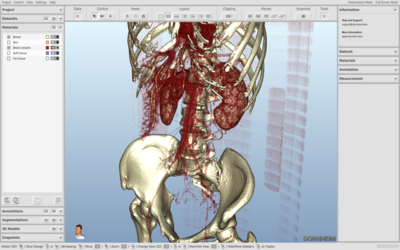
Material rendering
Material rendering
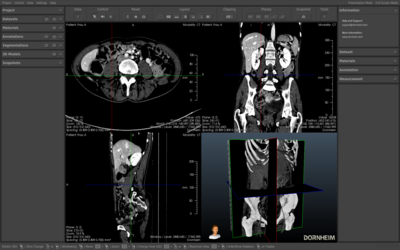
Freely orientable cutting planes
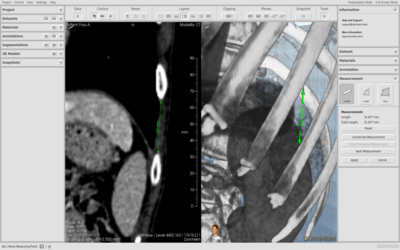
Length measurement
Length measurement
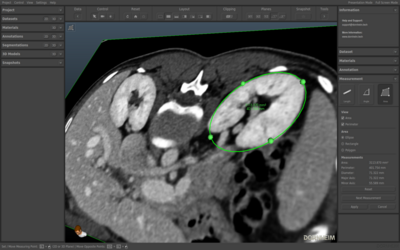
Area measurement
Area measurement
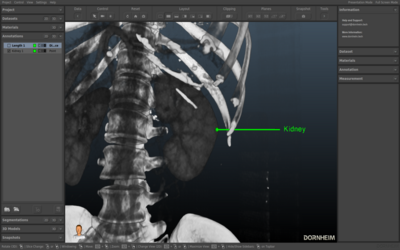
Annotations
Annotations
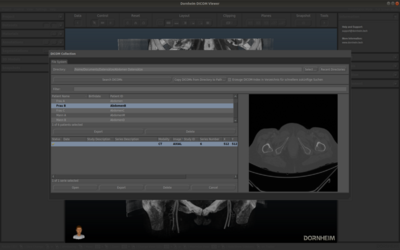
DICOM collection
DICOM collection
Video export
Video export

See the software in action

Short videos show you the Dornheim Segmenter in typical usage scenarios.

Software impressions
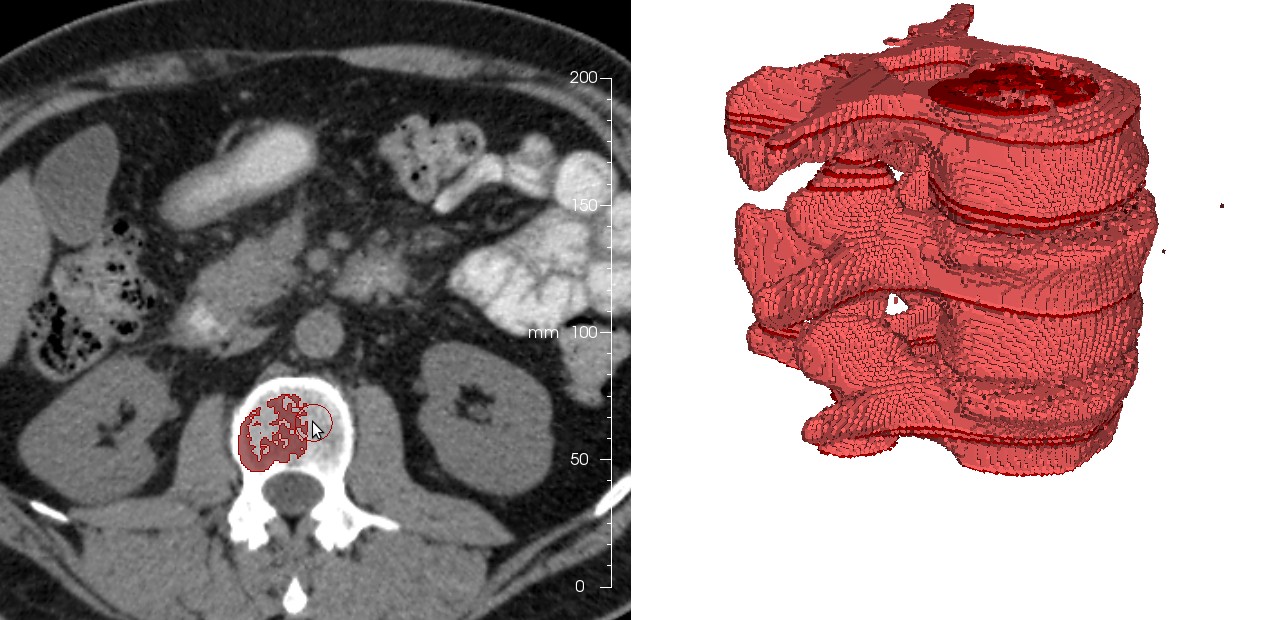
Vertebra segmentation & 3D printing
SegPro

Our pricing

Transparent and fair. No hidden costs.

Free
€0

Permanently free

  • All segmentation tools
  • DICOM Viewer included
  • Community support
  • Offline license
  • Network license
Get started
Recommended
Premium
€9.99

per month or a one-time purchase from €199

  • All basic features
  • Advanced tools
  • Email support (24h)
  • Offline license
  • Network license
Buy
Professional
€19.99

per month or a one-time purchase from €399

  • All Premium features
  • Priority support
  • Offline license
  • Network license (floating)
  • Dedicated contact person
Contact us

Free versions for education and training

  • Free versions for education and training – for schools, pupils, students, doctoral candidates, and university teaching.
  • Professional versions available on request.
  • Request by email with your license ID from a typical email address of your institution or with appropriate proof.
Request an educational license

All features in detail

A detailed overview of what each edition offers.

Free
PremiumPrem.
ProfessionalProf.

Perpetual
Single license €0 from €199 from €399
Subscriptions
Annual (incl. upgrades and service) – from €79.99 from €159.90
Monthly (incl. upgrades and service) – from €9.99 from €19.99
License types
Online
Offline –
Network license – –

Platforms
Windows
Mac
Linux
Hardware support
Processor multi-core support
OpenGL support (NVIDIA, AMD, Intel)
Configuration
Language selection (German, English)
User profiles (medical, technical) –
Color schemes (light, dark) –
Adjustable background in the 3D view –

Import
DICOM (2D stack, 3D multiframe)
Generic volume data sets (RAW, MetaIO, VTI)
Image stacks
Dornheim Segmenter projects (SEG)
VGStudio (VGI)
3D ultrasound (VOL (Kretzfile/GE))
Segmentations (RAW, MetaIO, VTI, VGI, image stacks)
3D models (OBJ, PLY, STL, VTP)
Annotations (XML) – –
Export
DICOM (2D stack, 3D multiframe) – –
Generic volume data sets (RAW, MetaIO, VTI) – –
Image stacks – –
Dornheim Segmenter projects (SEG)
Views
Segmentations (RAW, MetaIO, VTI, VGI, image stacks)
3D models (IV, OBJ, PLY, STL, VTP, VRML, STEP, IGES) –
Videos –
3D views –
3D videos –
Annotations (XML) – –

DICOM
Patient management
Acquisition information –
DICOM tag list –
Local patient database –
DICOM scan cache –
DICOM preview –
PACS connectivity – –
Anonymization – –
Visualization
Diverse view layouts
2D slices (axis-aligned)
3D cutting planes (axis-aligned)
3D cutting planes (freely orientable) –
3D volume rendering (window / level)
3D volume rendering (basic material functions) –
3D volume rendering (custom material functions) –
3D volume rendering (segmentations)
3D models (polygon meshes)
Clipping box (freely orientable box) –
Restrict visibility (segmentation-based)
Camera navigation mode –

Stereoscopy
Color anaglyph rendering –
Top / bottom / side by side –
Interlaced (row-by-row) rendering –
Views
Navigation
Animation
Creation

Data sets (voxel-based)
Reformatting – –
Orientation – –
Mirroring – –
Smoothing – –
2D / 3D cut – –
Inversion – –
Masking – –
Adaptive intensity equalization – –
Annotations
Text – –
Point – –
Arrow – –
Path – –
Image – –
Colorize group – –

Segmentations (voxel-based)
Manual segmentation
ROI-based segmentation (with automation)
Slice interpolation (with automation)
Thresholding (with automation)
Region growing (with automation)
Voxelization (from 3D model)
Logical operations
2D / 3D cut (with automation) –
Morphological operations –
Operations on connected components –
Intelligent separation –
Smoothing –
3D models (polygon-based)
Creation from segmentation
Creation from segmentation (anisotropy-optimized)
Creation from segmentation (sub-voxel-optimized) –
Simplification / refinement –
Smoothing –
Move / scale – –

Measurement
Length –
Angle –
Area –
Analysis
Geometry – –
Cross-section – –
Distance – –
Intra-slice distance – –
Contact / overlap – –
Similarity – –
Intensity distribution – –
Porosity – –
Measurement statistics – –

Download & installation

Ready to use in just three steps. Every installation already includes all editions – Free, Premium, and Professional. Your license key determines which features are unlocked. You always start free with the Free edition and can upgrade at any time later on.

1
Download & install

Download the Dornheim Segmenter for your operating system – directly here from our website or conveniently through the store. Whichever route you take, the installation always includes all editions.

2
Start for free

On first launch, the software automatically creates a Free license key for you. You immediately use all features of the Free edition – with no registration at all. To get started, our manual and tutorials are there to help you.

3
Upgrade when needed

Want more? Unlock Premium or Professional – conveniently via in-app purchase directly in the software or through our online shop. Your license key activates the additional features instantly.

Go to the online shop

Payment processing via FastSpring

Demo or a custom license?

We will show you the Dornheim Segmenter in a personal demo – or advise you on tailored licensing and integration options.

Get in touch

Or give us a call:
+49 391 505457-0